Eureka Server 配置
引入依赖
1
2
3
4
| <dependency>
<groupId>org.springframework.cloud</groupId>
<artifactId>spring-cloud-starter-netflix-eureka-server</artifactId>
</dependency>
|
YML配置
1
2
3
4
5
6
7
8
9
10
11
12
| server:
port: 7001
eureka:
instance:
hostname: eureka7001.com
client:
register-with-eureka: false
fetch-registry: false
|
主启动类加入@EnableEurekaServer注解
1
2
3
4
5
6
7
| @SpringBootApplication
@EnableEurekaServer
public class EurekaMain7001 {
public static void main(String[] args) {
SpringApplication.run(EurekaMain7001.class, args);
}
}
|
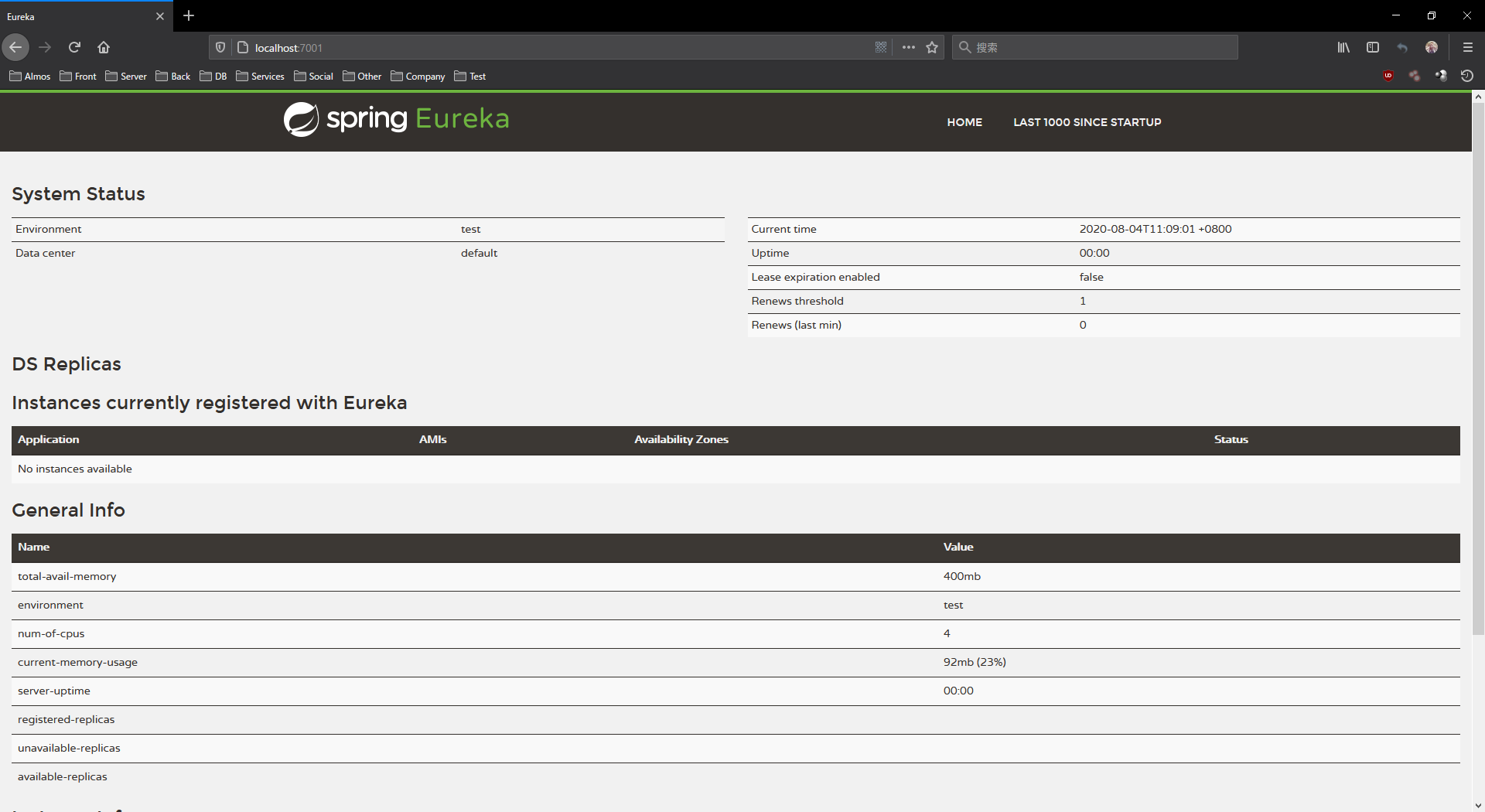
启动服务
Eureka Client 配置
引入依赖
1
2
3
4
| <dependency>
<groupId>org.springframework.cloud</groupId>
<artifactId>spring-cloud-starter-netflix-eureka-client</artifactId>
</dependency>
|
YML配置
1
2
3
4
5
6
7
8
9
10
11
12
13
14
15
16
17
18
| server:
port: 8001
spring:
application:
name: cloud-payment-service
eureka:
client:
register-with-eureka: true
fetch-registry: true
service-url:
defaultZone: http://eureka7001.com:7001/eureka
instance:
instance-id: payment8001
prefer-ip-address: true
|
主启动类加入@EnableEurekaClient注解
1
2
3
4
5
6
7
8
| @SpringBootApplication
@EnableEurekaClient
public class PaymentMain8001 {
public static void main(String[] args) {
SpringApplication.run(PaymentMain8001.class, args);
}
}
|
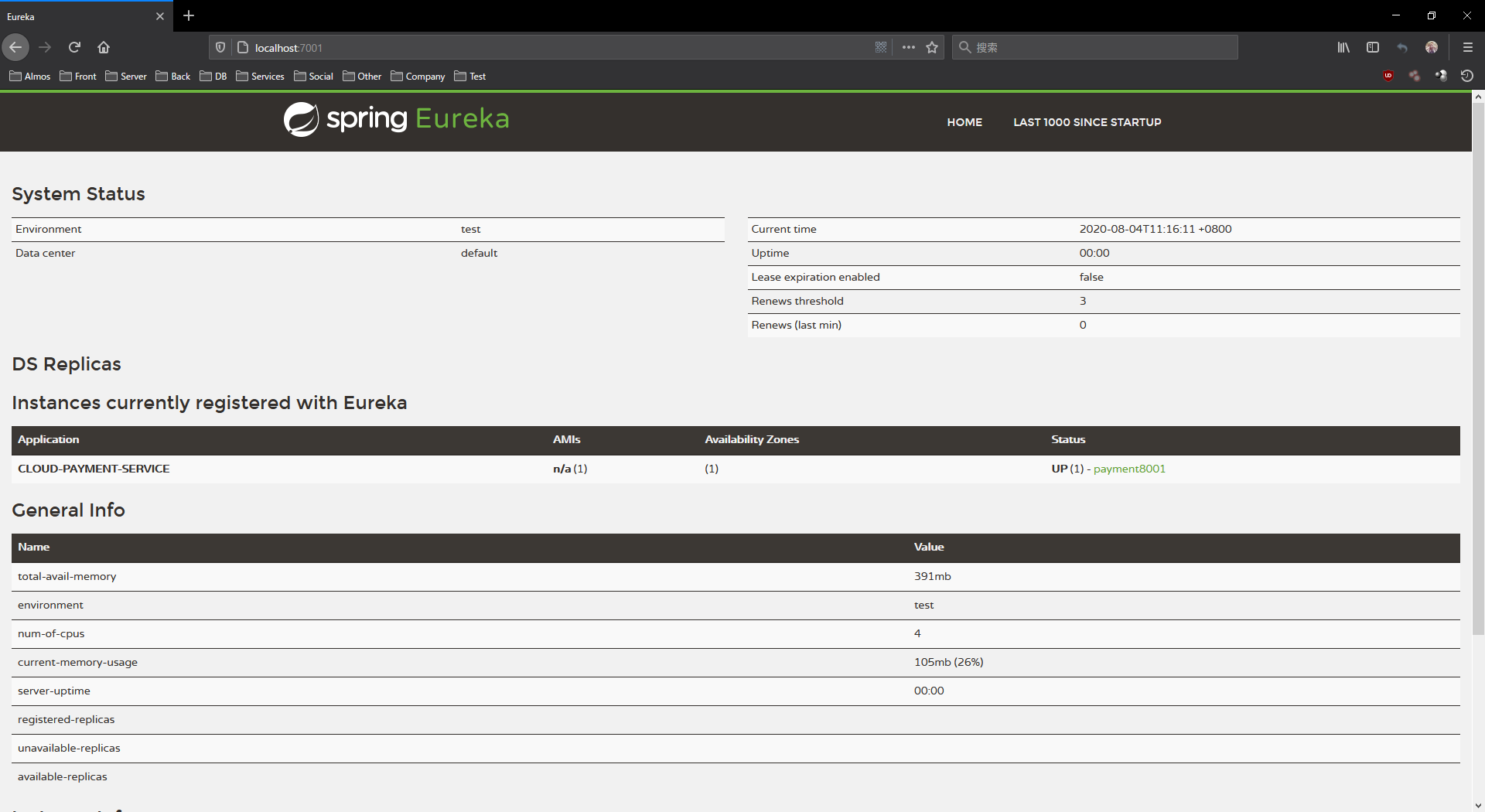
查看 Eureka Dashboard
Eureka Server 集群配置
YML配置
1
2
3
4
5
6
7
8
9
10
11
12
13
14
| server:
port: 7001
eureka:
instance:
hostname: eureka7001.com
client:
register-with-eureka: false
fetch-registry: false
service-url:
defaultZone: http://eureka7002.com:7002/eureka/
|
1
2
3
4
5
6
7
8
9
10
11
12
13
14
| server:
port: 7002
eureka:
instance:
hostname: eureka7002.com
client:
register-with-eureka: false
fetch-registry: false
service-url:
defaultZone: http://eureka7001.com:7001/eureka/
|
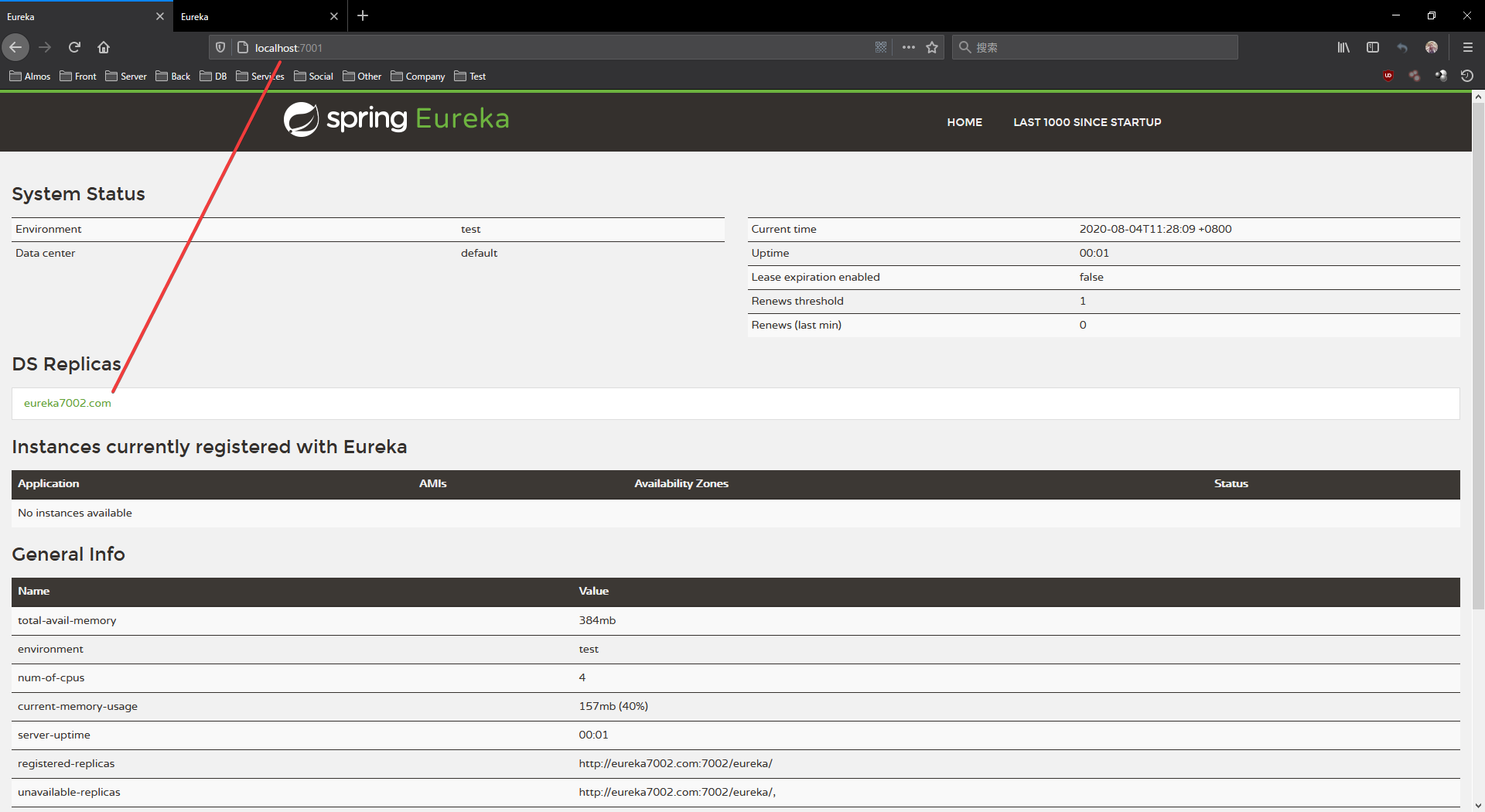
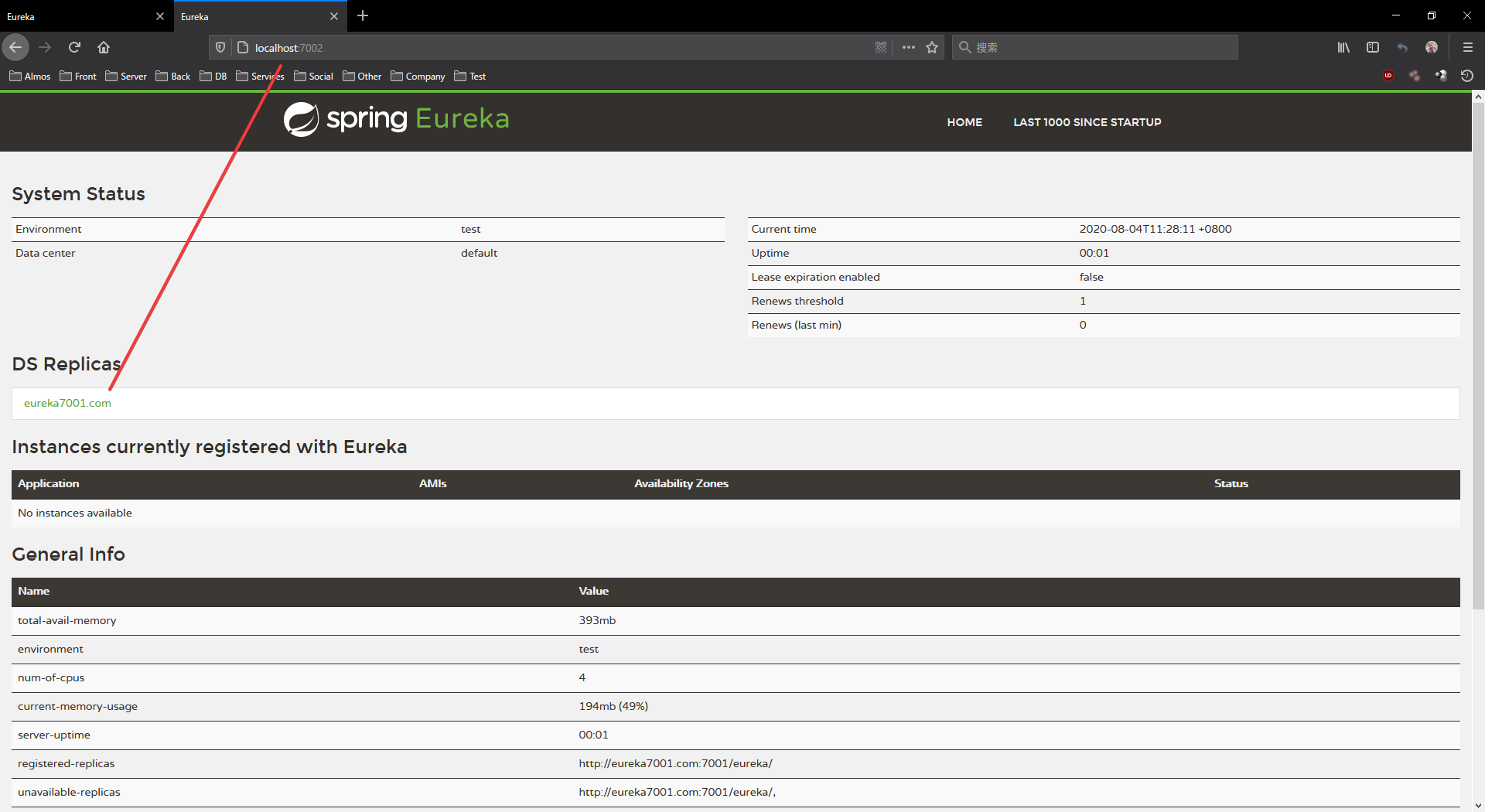
Eureka Server 集群配置的时候需要注意,服务器1的 defaultZone 要配置成服务器2的,同样服务器2的 defaultZone 也要配置成1的地址信息,Eureka 服务端才能进行交互,如果2台以上的集群,每一个都要与其他的服务器进行配置,服务器1的要同时与其他所有的服务器进行交互,依次类推
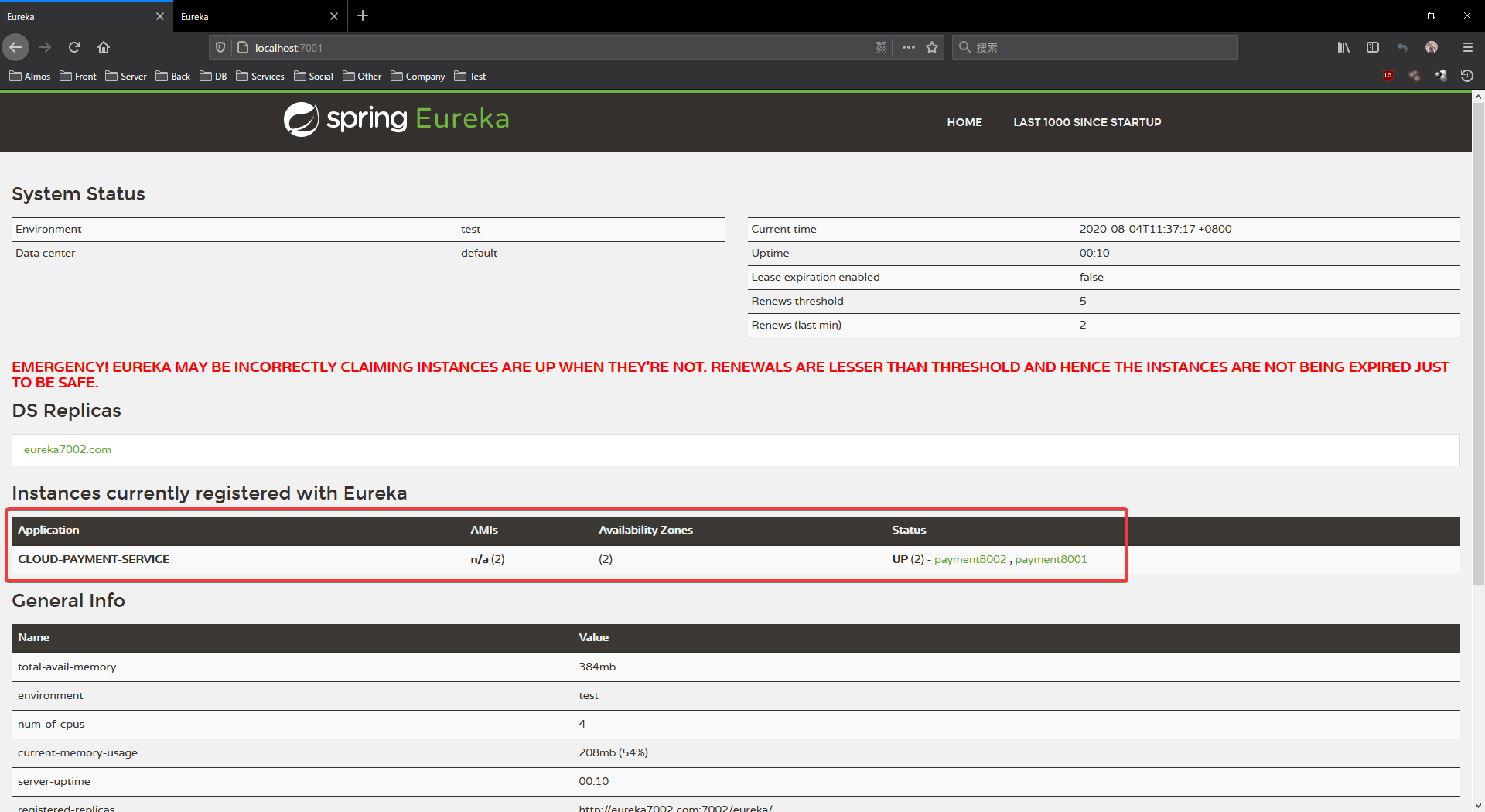
查看 Eureka Dashboard
Eureka Client 集群配置
YML配置
1
2
3
4
5
6
7
8
9
10
11
12
13
14
15
16
17
18
| server:
port: 8001
spring:
application:
name: cloud-payment-service
eureka:
client:
register-with-eureka: true
fetch-registry: true
service-url:
defaultZone: http://eureka7001.com:7001/eureka,http://eureka7002.com:7002/eureka
instance:
instance-id: payment8001
prefer-ip-address: true
|
1
2
3
4
5
6
7
8
9
10
11
12
13
14
15
16
17
18
| server:
port: 8002
spring:
application:
name: cloud-payment-service
eureka:
client:
register-with-eureka: true
fetch-registry: true
service-url:
defaultZone: http://eureka7001.com:7001/eureka,http://eureka7002.com:7002/eureka
instance:
instance-id: payment8002
prefer-ip-address: true
|
在同一个客户端集群里面的所有客户端,都要有相同的spring.application.name,同时,如果服务端也是集群配置的话,eureka.service-url.defaultZone需要把所有的服务端集群节点的信息都要配置上
查看 Eureka Dashboard

 微信
微信 支付宝
支付宝